
Building mobile apps in 2025 is more accessible than ever. With a small budget and the right tools, you can publish on the App Store (or Google Play), test paywalls, and iterate quickly.
Below is the setup I recommend along with why each piece matters and where you can save.
Apple Developer license ($99/year)
If you plan to ship on iOS, there's no way around it. While the Android license is much cheaper, iOS users are usually more willing to pay for apps.
Note that the $99/year price is for the US. It varies by country. Get it here: Apple Developer Program.
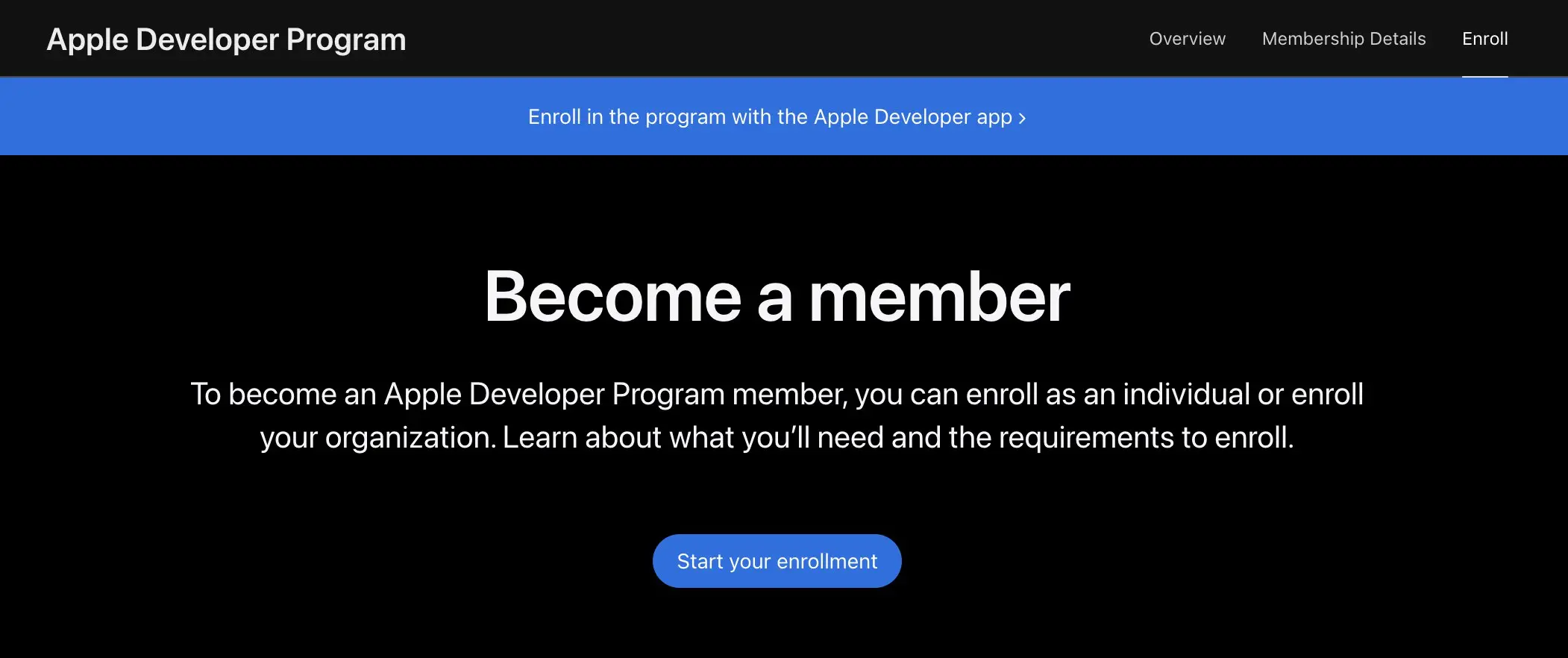
Apple Developer Program
Keyword research with Astro ($108/year)
There are many ASO keyword research tools out there, but most of them are expensive ($49-$150+/month).
If you're on a budget, Astro does the job. It's a solid, budget‑friendly pick for tracking difficulty, search volume, and competitors.
If you are new to this, start with my guide on how to search keywords for app store optimization. It explains how to find seed keywords, inspect competitors, and decide if a keyword is worth building around.
If you are still comparing options, read what is the best ASO tool for pricing and tool differences.
What it's good for:
- Idea validation before you build
- Monitoring ranks after release
- Keep track of competitors
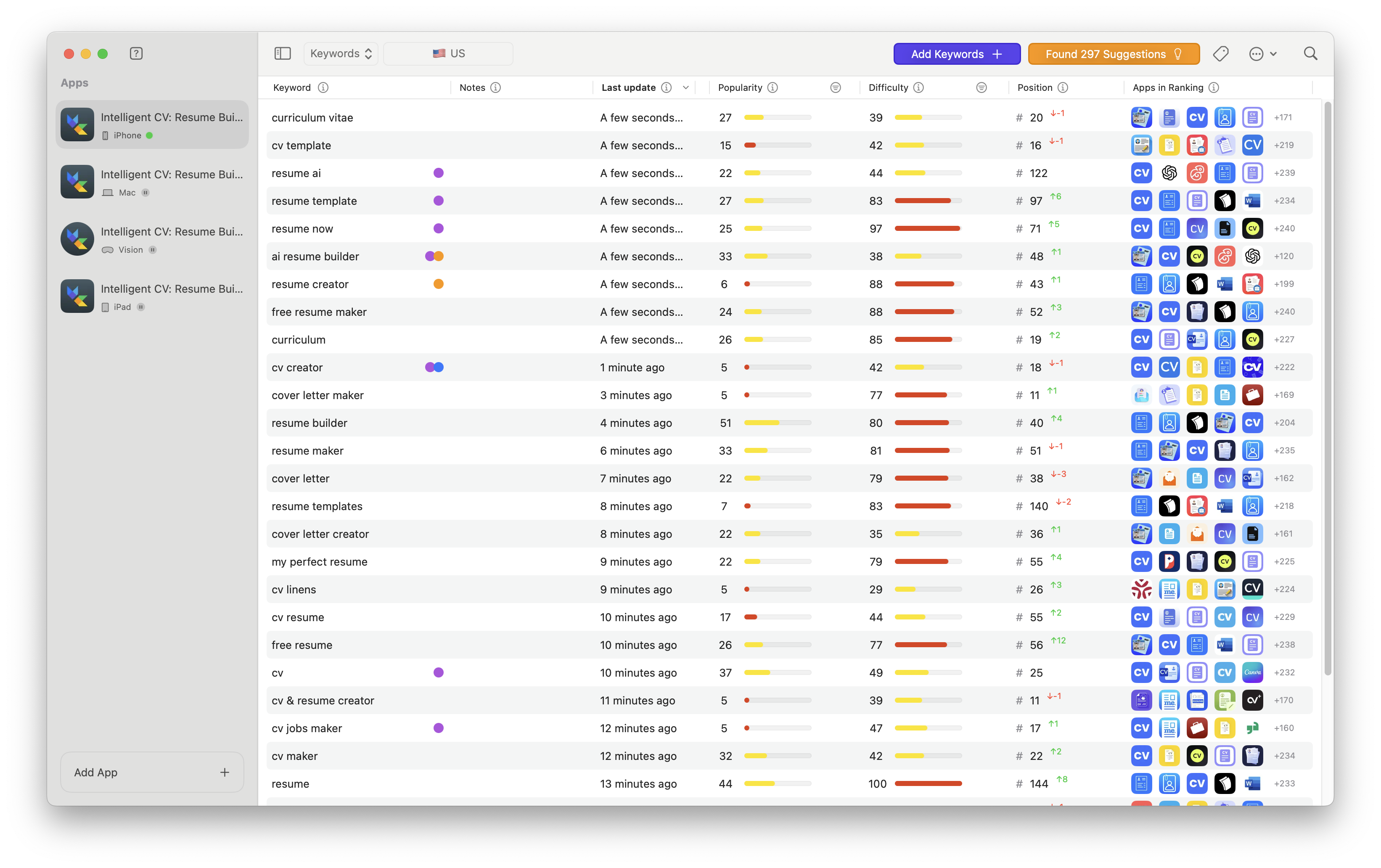
Astro keyword research
Expo (Free tier)
If you're planning to use React Native, just use Expo. It will make your life much easier. I chose React Native with Expo because if you're coming from web development, the learning curve is much smaller. You don't have to learn Swift or Kotlin/Java.
The free tier is enough. If you run out of EAS builds, you can always build and submit iOS apps with XCode instead.
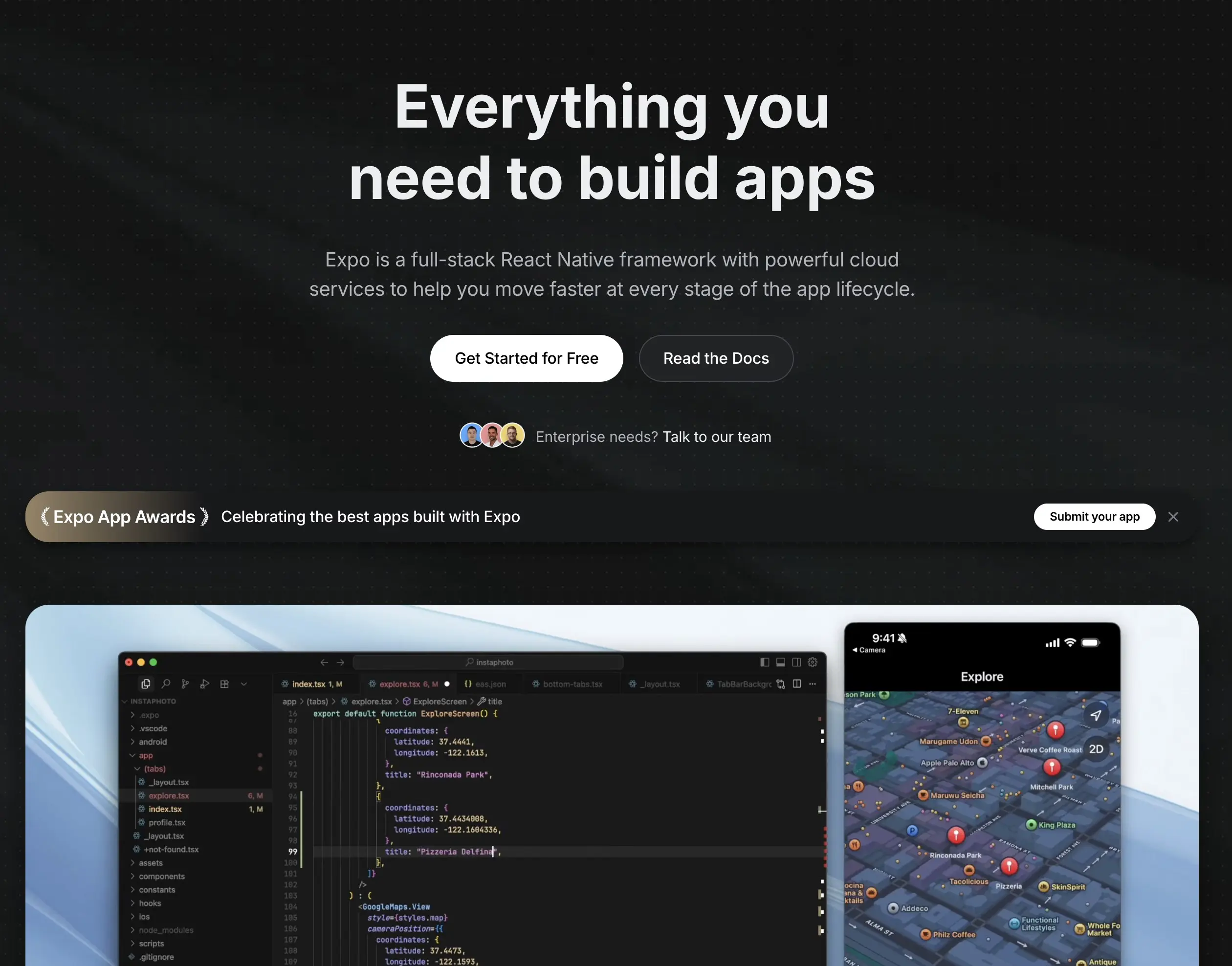
Expo website
Cursor for speed ($20/mo)
Use Cursor to accelerate implementation. Switch between gpt-5 (cheap, slower) and sonnet 4.5 depending on task complexity. Keep prompts specific, attach relevant files, and iterate.
Use "plan mode" to generate a detailed plan of your MVP, then let Cursor build it. Another workflow is copying the Markdown docs (e.g. Superwall) and ask Cursor to implement it.
If you don't already have a Cursor subscription, some alternatives to consider:
- Claude Code
- Codex (ChatGPT)
- GitHub Copilot
- ...and more (any AI will do)
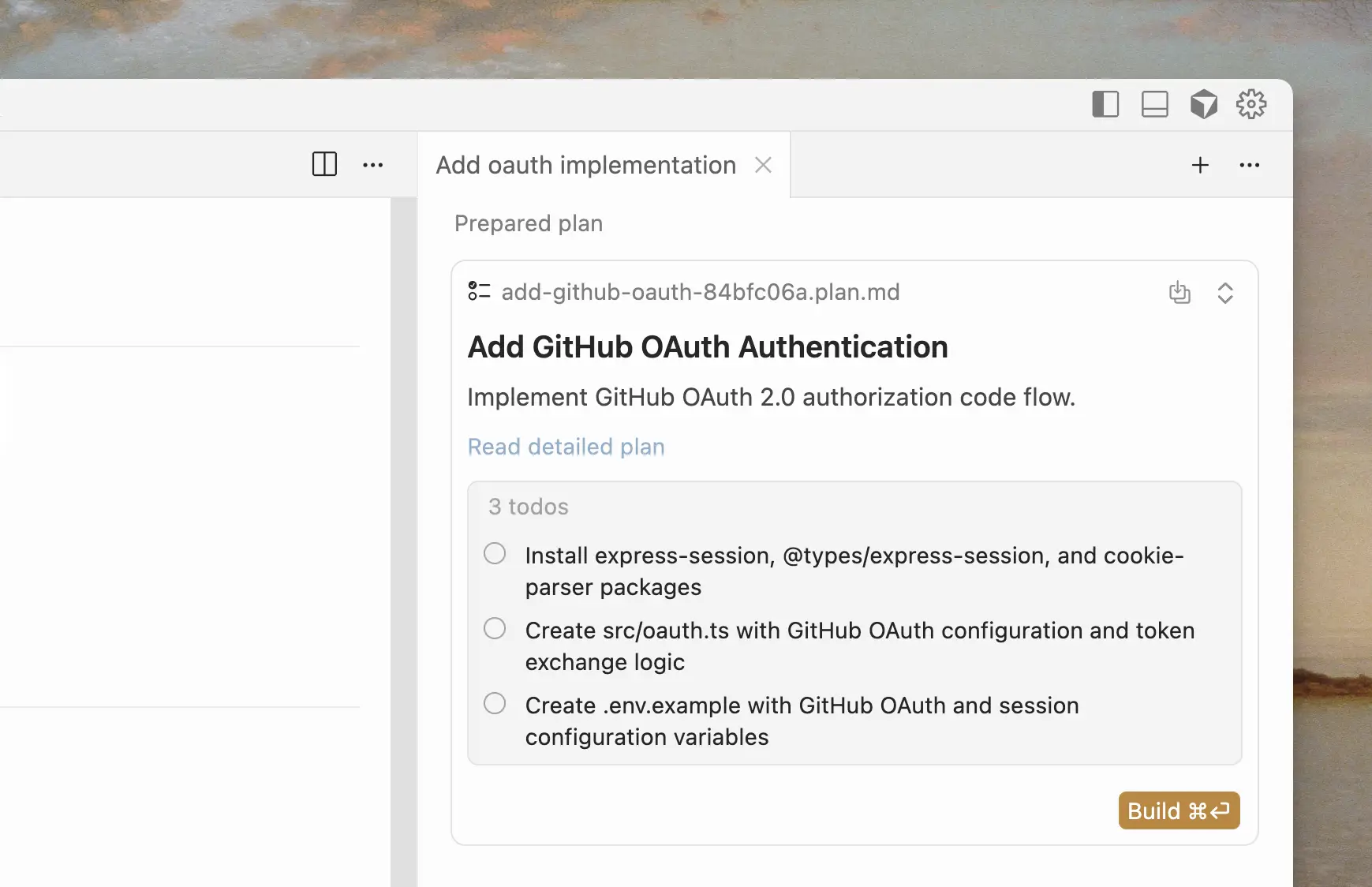
Cursor plan mode
Monetization: Superwall or RevenueCat (Free)
Both are excellent. In my experience, Superwall wins for paywall testing and iteration speed; RevenueCat is great for subscriptions and cross‑platform receipts.
Tips:
- Start with a template from the Superwall or RevenueCat library
- Weekly subscription with a 3-day trial + Yearly subscription/Lifetime deal
- Include your privacy policy & terms of use links on the paywall (Apple can reject your app if they're missing)
Don't overthink it in the beginning. Your goal is to get the app live. It's unlikely that your first app will be a hit or the last one you'll build.
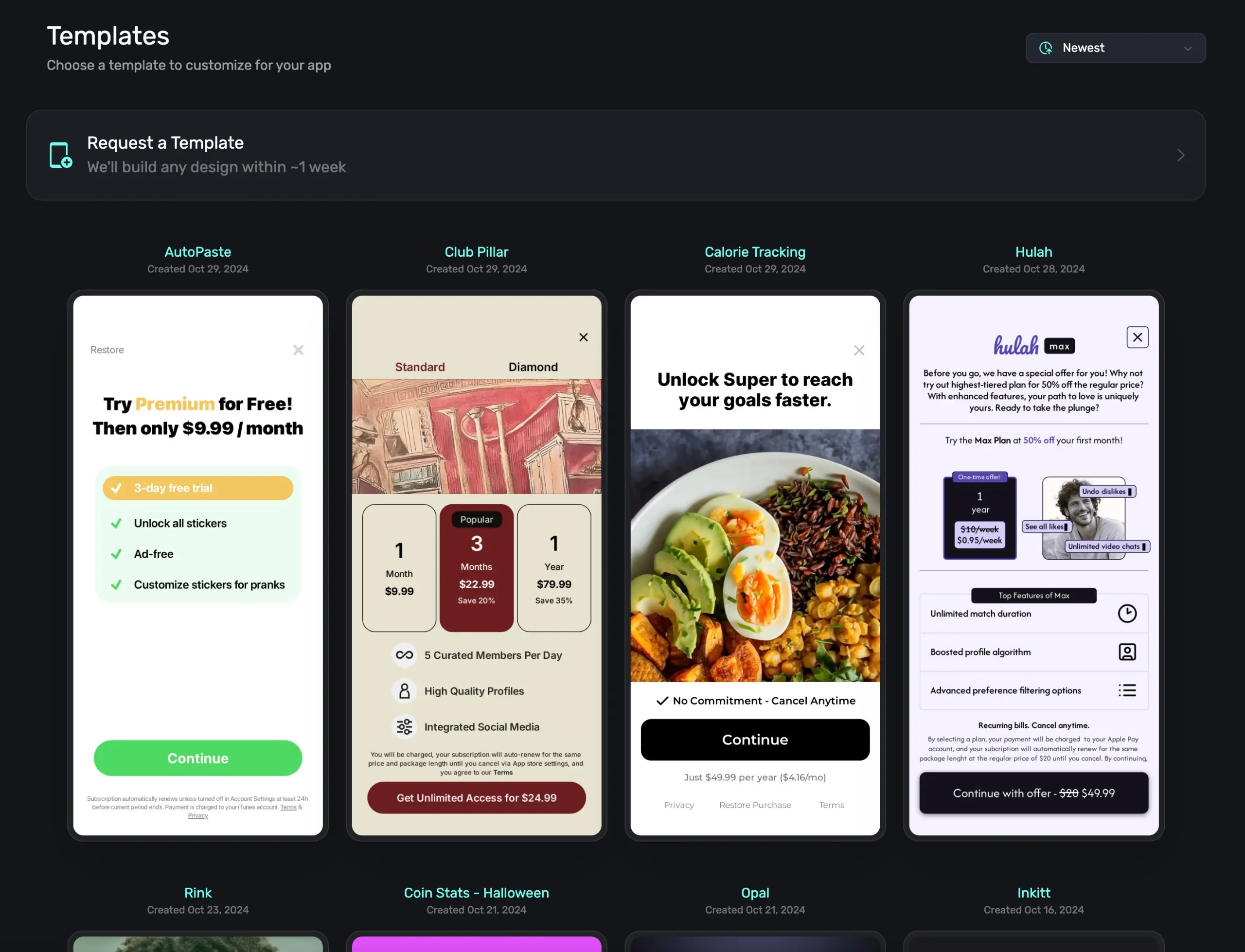
Superwall paywall templates
One domain for all apps
Buy a single domain and put each app on a subdomain (appname.yourdomain.com). If you don't own any domains, you can even use Google Docs or anything else.
Some of the requirements from Apple:
- Privacy policy page
- Terms of use page
- Main page, with a simple FAQ, contact form or email, etc.
Build this with AI or use a website builder. The design is mostly irrelevant. To create the privacy & terms pages, do the following:
- Open ChatGPT, Claude or your favorite AI.
- Give it all the context around your app: how you store data, what you store, your pricing, if you create user accounts, etc.
- Optionally, attach one of your previous privacy & terms pages or find a template.
- Copy & paste into your website.
Pro tip: Apple Small Business Program
It only takes a few minutes, so apply as soon as possible. Approval can take a few weeks, but you’ll reduce Apple’s commission from 30% to 15% if you qualify. Learn more: Apple Small Business Program.
App Store Small Business Program
Wrap up
That's the stack. Keep costs low and ship quickly:
- Validate your ASO keywords with Astro
- Build with Cursor: Start with plan mode, then build one feature at a time
- Monetize with Superwall or RevenueCat
- Host your privacy & terms pages on a subdomain
Now it's time to go build your app. Good luck!