You don't need to learn photo editing to turn a selfie into a yearbook portrait, put your dog in a spacesuit, or imagine a scene that never happened. An AI photo generator creates a new picture from your instructions, a reference photo, or both.
The harder part is choosing where to start. Some tools ask you to write a prompt. Others offer templates or build a reusable character from your photos. The best AI photo generators for beginners make that first decision clear and explain what each attempt costs.
These five options cover different ways to generate photos. The comparison focuses on what you can make, how much setup is involved, and how pricing works.
- The five AI photo generators at a glance
- OpenArt for exploring photo ideas
- TooExtra AI for templates and playful photos
- Photo AI for personalized photoshoots
- getimg.ai for generating from reference photos
- ImagineArt for trying different image models
- How to generate your first AI photo
- Which AI photo generator should you choose?
The five AI photo generators at a glance
Prices were checked on October 25, 2026. All prices below are in USD. Monthly subscription prices use monthly billing unless a different period is stated.
| Generator | Good starting point | Entry paid plan |
|---|---|---|
| 1. OpenArt | Written prompts and optional reference images | Starter $14/month per seat, 4,000 credits |
| 2. TooExtra AI | A photo and a ready-made template | $0.99 for three days, then $6.99/week or $59.99/year |
| 3. Photo AI | A personal AI character and photo packs | Starter $19/month, 50 credits |
| 4. getimg.ai | An uploaded image and a direction to take it | Entry $15/month, 8,000 credits |
| 5. ImagineArt | Prompts and a choice of image models | Basic $13/month, 3,000 credits |
Credit totals aren't directly comparable between services. A model might charge several credits for one image, and a higher resolution can cost more. Choose a plan around the pictures you want to generate, leaving some allowance for attempts you won't keep.
1. OpenArt for exploring photo ideas
OpenArt gives you a straightforward starting point: describe the image you want, add reference photos if you have them, and choose the output size. The image generator also has an Auto Polish option for refining your prompt.
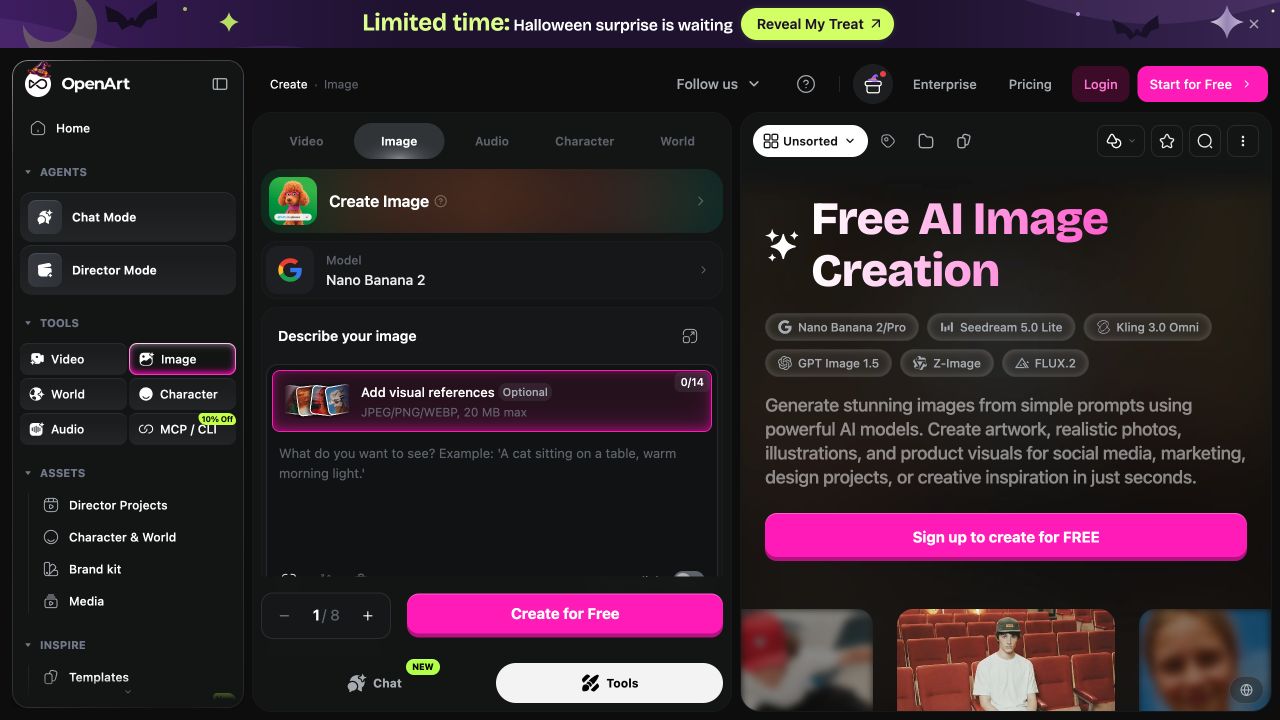
It's a useful place to explore an idea that doesn't fit a preset. You could ask for a film-style portrait, a surreal product photo, or a pet in a completely different setting. A reference image gives the generator a visual starting point when describing everything in words would be awkward.
The larger workspace includes templates and character tools. For a first attempt, stick to the image generator and its current model rather than changing every setting at once. Learn what one prompt does before comparing models.
There are more controls here than in a template-first app. That's helpful once you know what you want, but it also means more choices before your first picture.
Pricing and usage limits
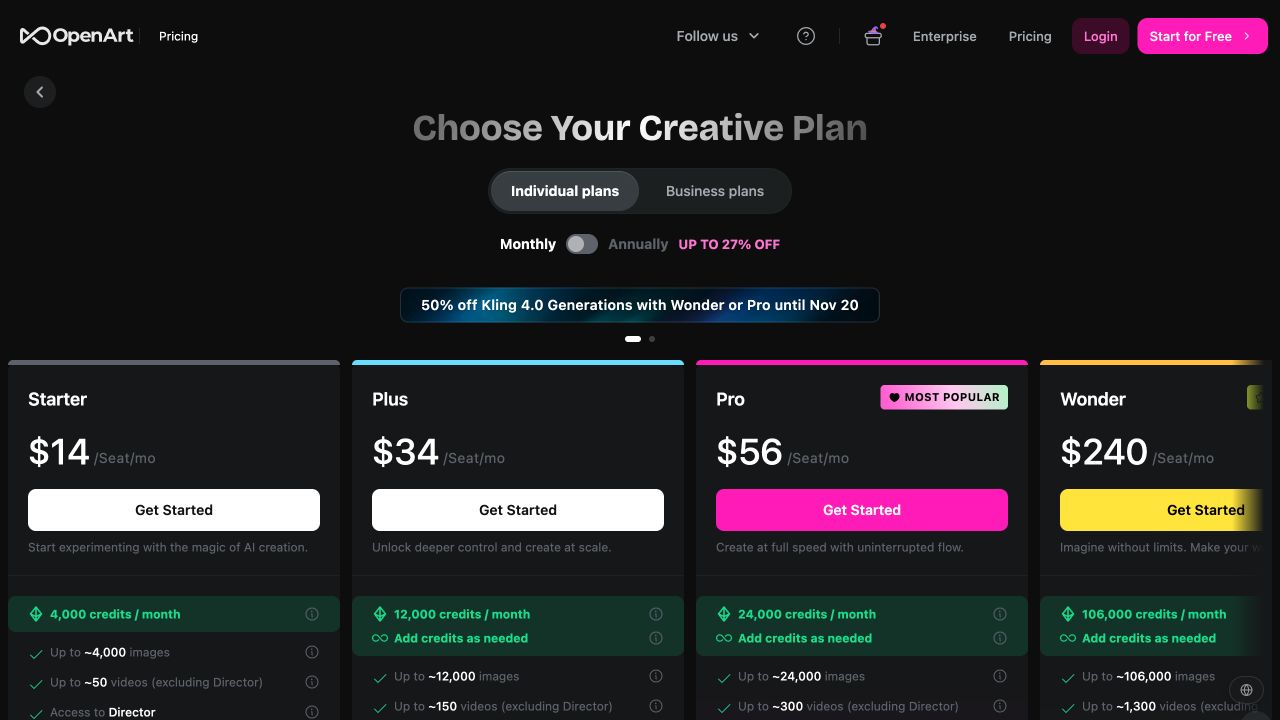
- Starter costs $14 per seat per month for 4,000 credits.
- Plus costs $34 per seat per month for 12,000 credits.
- Pro costs $56 per seat per month for 24,000 credits.
- Wonder costs $240 per seat per month for 106,000 credits.
Starter allows eight parallel generations. The pricing page's image totals are estimates, not a promise that every model costs one credit. Sign-up offers free credits to try the service; check the allowance shown in your account before starting a batch.
2. TooExtra AI for templates and playful photos
TooExtra AI generates new pictures from a photo you upload. Choose a template or describe what you want, then generate and download the result. It runs in a browser on your phone or computer.
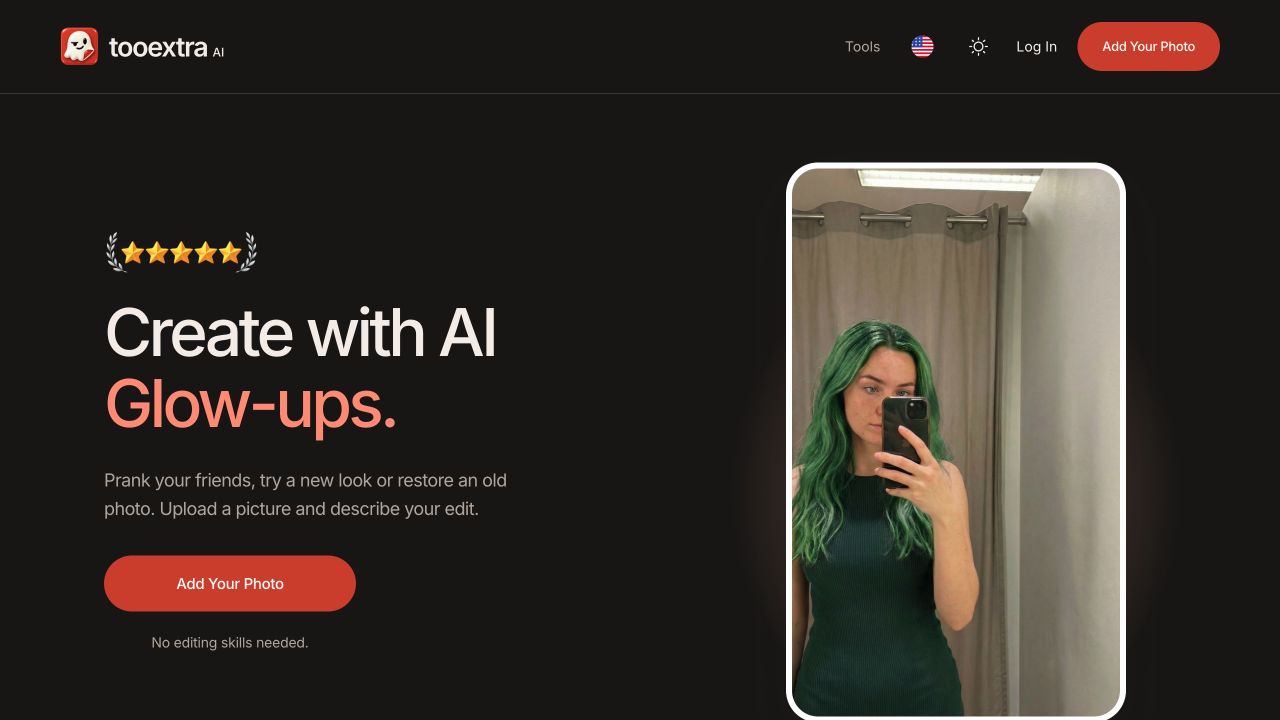
Its main advantage is simplicity. The 180-plus templates give you an idea to start with, such as a yearbook portrait, a pet in space, or a different hairstyle. Pick one that suits your photo instead of trying to write a detailed prompt from scratch.
If you're looking for a funny AI image generator, the prank templates are the clearest reason to try it. A garden becomes a duck pond. A normal delivery becomes an enormous box outside the house. The familiar setting is what makes the picture funny.
TooExtra also works as an AI selfie generator for trying a new look or creating a stylized portrait from an existing photo. Cartoon styles and glow-up templates offer a different starting point from the pranks. Custom instructions let you describe an idea that isn't in the library.
You'll need a source photo. TooExtra is a good fit when you want to turn something you already have into a new picture; a generator with a blank text prompt is more useful when you want to invent the entire scene.
Pricing and usage limits
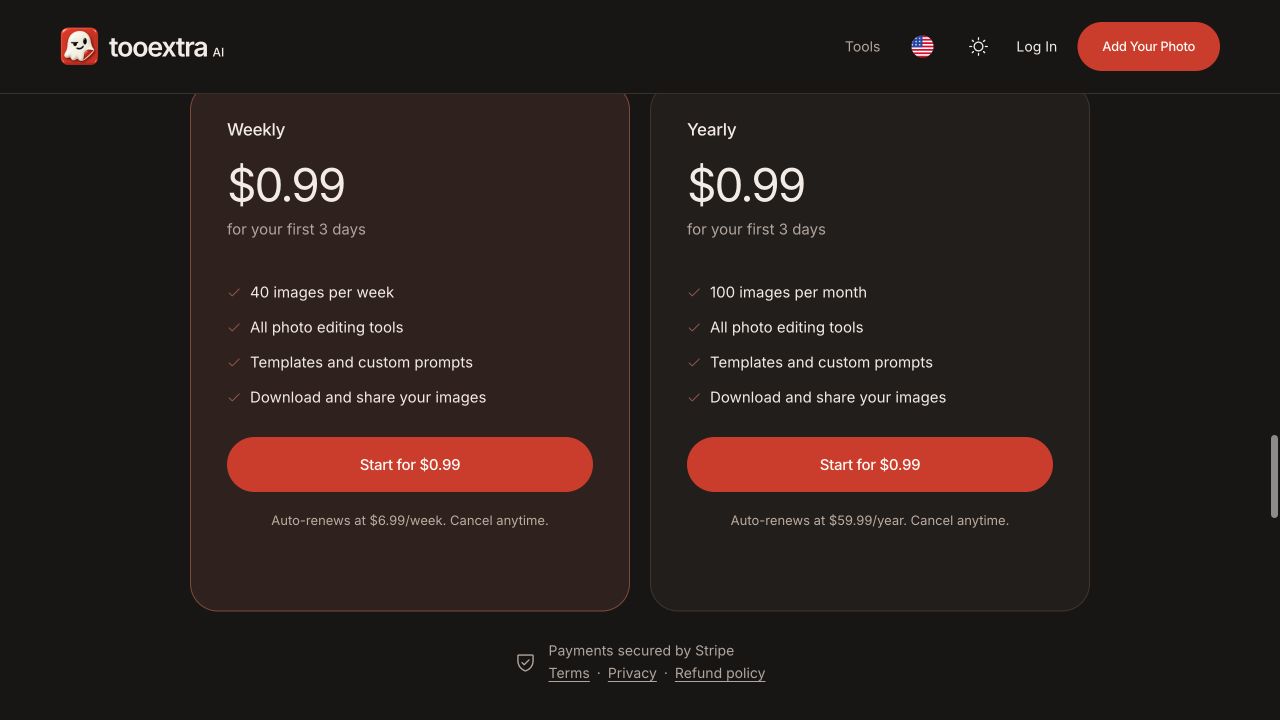
- The introductory offer costs $0.99 for the first three days.
- Weekly access then renews at $6.99 per week, with 40 images per week.
- Yearly access then renews at $59.99 per year, with 100 images per month.
Both plans include the templates, custom instructions, downloads, and sharing. The annual plan issues its image allowance monthly. Include a few extra attempts when deciding how many images you need.
3. Photo AI for personalized photoshoots
Photo AI focuses on generating photos of a person across different outfits, places, and themes. You upload selfies to create an AI character, then use that character in photo packs or your own prompts.
That setup makes sense if you want several pictures of yourself rather than one novelty image. Its packs include travel scenes, retro looks, fashion, and profile photos. You choose a direction instead of planning every shot separately.
The reusable character is the main distinction. You spend more time supplying suitable source photos at the beginning, then generate further scenes with that character. It's a more involved starting point than uploading one image to a single template.
For beginners, the practical question is whether you want an ongoing personal photoshoot tool. If you only need a funny AI image generator for an occasional joke, that setup may be unnecessary.
Pricing and usage limits
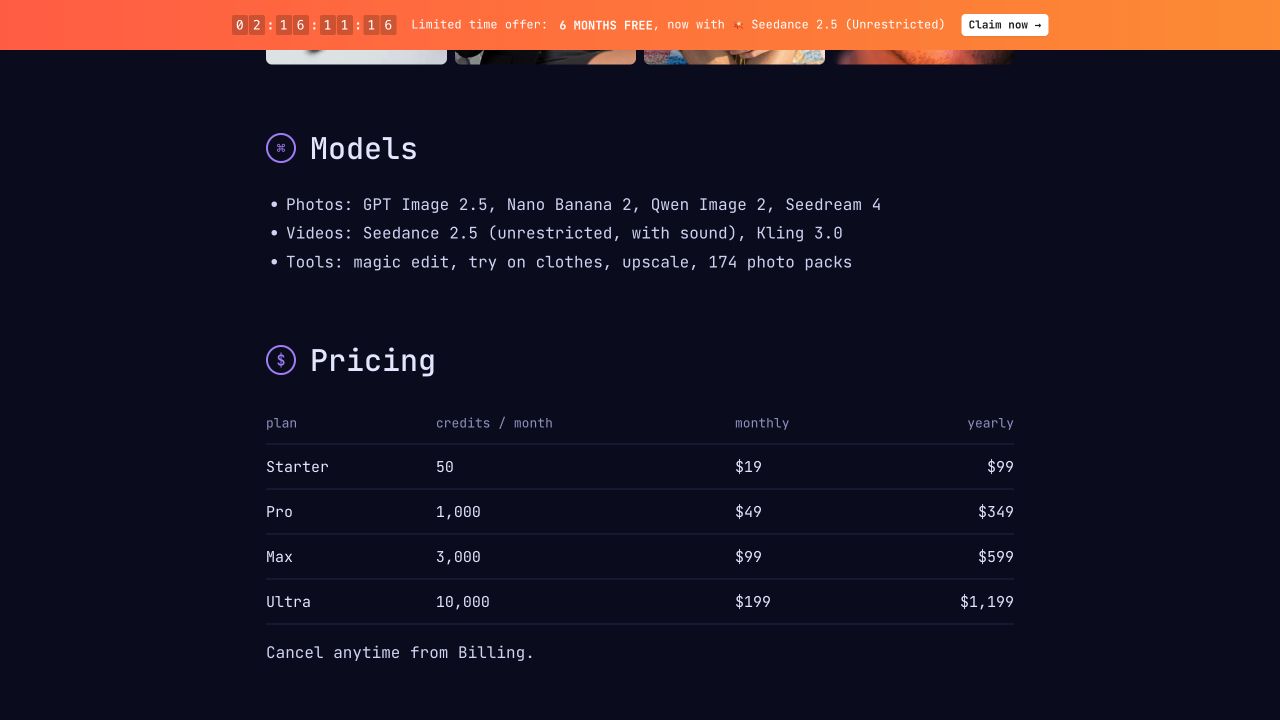
Photo AI's published pricing table lists these monthly plans:
- Starter costs $19 for 50 monthly credits.
- Pro costs $49 for 1,000 monthly credits.
- Max costs $99 for 3,000 monthly credits.
- Ultra costs $199 for 10,000 monthly credits.
The same table lists annual prices of $99, $349, $599, and $1,199 respectively. Those are yearly charges, not monthly rates. Usage is measured in credits, so don't assume that every model, photo pack, or generation uses the same amount.
4. getimg.ai for generating from reference photos
getimg.ai has an image-to-image generator for using a photo as the starting point for a new picture. Upload an image and describe the direction, such as turning a portrait into an illustration or putting a product in a new setting.
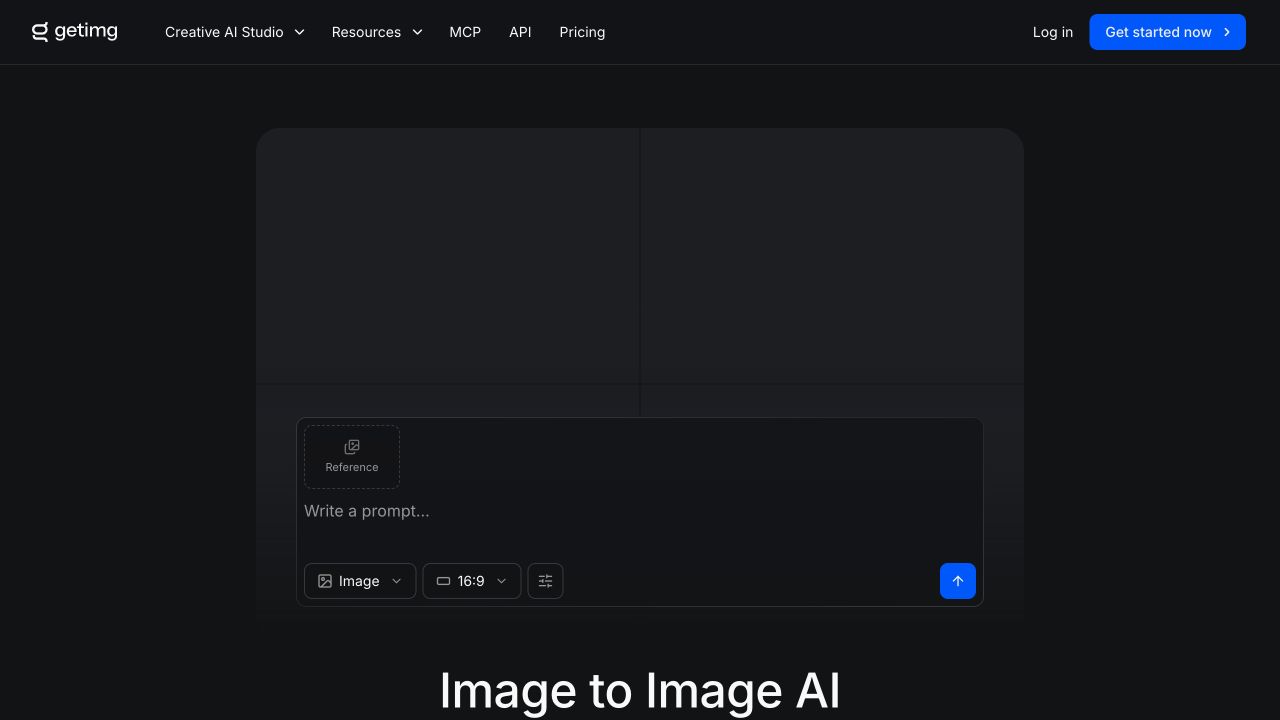
This is the workflow people usually mean by an AI image generator from an image. The reference guides the new picture's subject and composition, while the prompt describes the change. It gives you a useful starting point without requiring the final result to look exactly like the source.
Prompt enhancement and automatic model selection can reduce the number of decisions you make at the beginning. You can also choose a model yourself when you want to compare different interpretations of the same idea.
It suits more than portraits. Pets, products, room photos, and sketches can all provide a starting image. The broad model choice is useful, but its paid credit system takes a little more planning than a fixed image allowance.
Pricing and usage limits
The published USD list prices for monthly billing are:
- Entry costs $15 per month for 8,000 credits.
- Core costs $35 per month for 19,000 credits.
- Plus costs $79 per month for 42,500 credits.
- Ultra costs $199 per month for 107,500 credits.
Entry includes selected models and two simultaneous generations. Higher plans expand model access and concurrent generation limits. As one example, the plan comparison estimates about 114 Nano Banana 2 images from Entry's allowance. Other models and output sizes use credits at different rates.
Compare getimg.ai plans and model allowances before choosing a tier. Regional checkout prices and taxes can differ from the USD list prices above.
5. ImagineArt for trying different image models
ImagineArt brings several image-generation models into one workspace. You can generate from a prompt or use reference images with supported models, then try a different model without moving to another service.
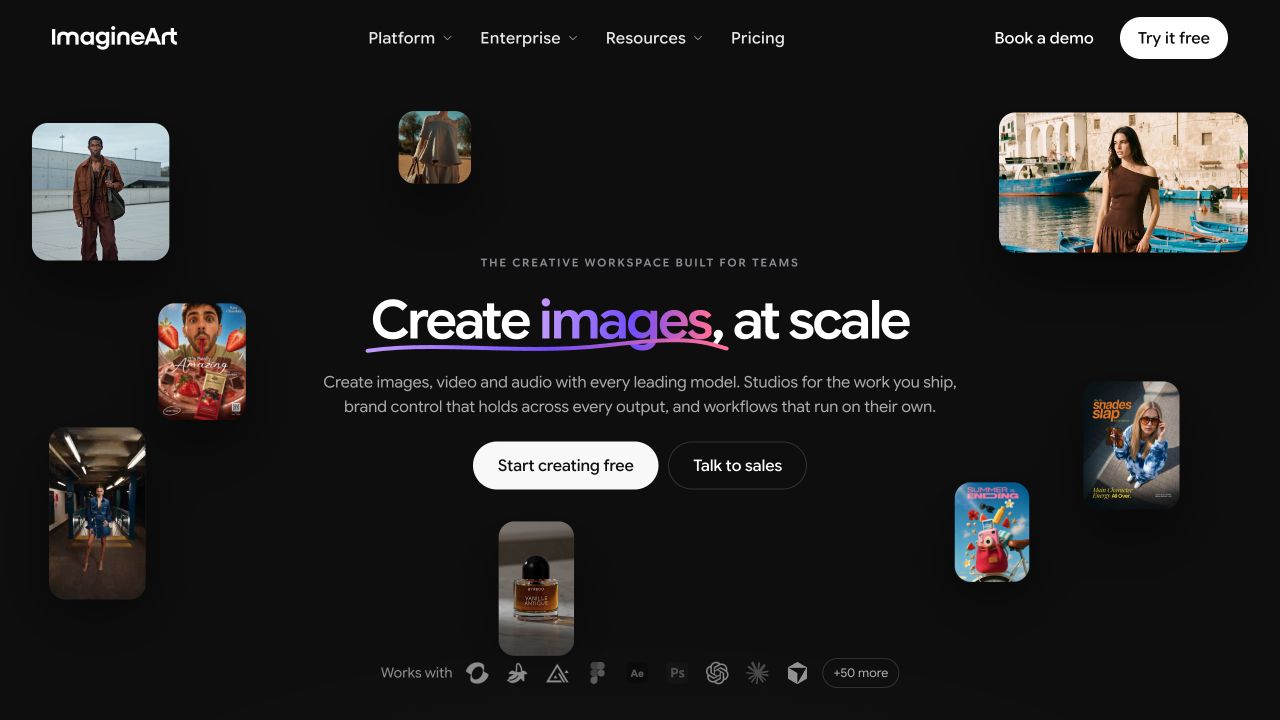
The appeal is having room to experiment. A model that handles an illustrated pet well may interpret a realistic portrait differently. Keeping the prompt similar while changing the model helps you see which approach suits your picture.
ImagineArt also has video, audio, and team tools. You can ignore those when starting with photos. Choose the image generator, begin with one model, and check the credit charge before generating several versions.
It's worth considering if you want to explore beyond one visual style. For someone who wants a single template and a download button, the larger workspace may feel busy.
Pricing and usage limits
- Free access includes daily credits for trying the service.
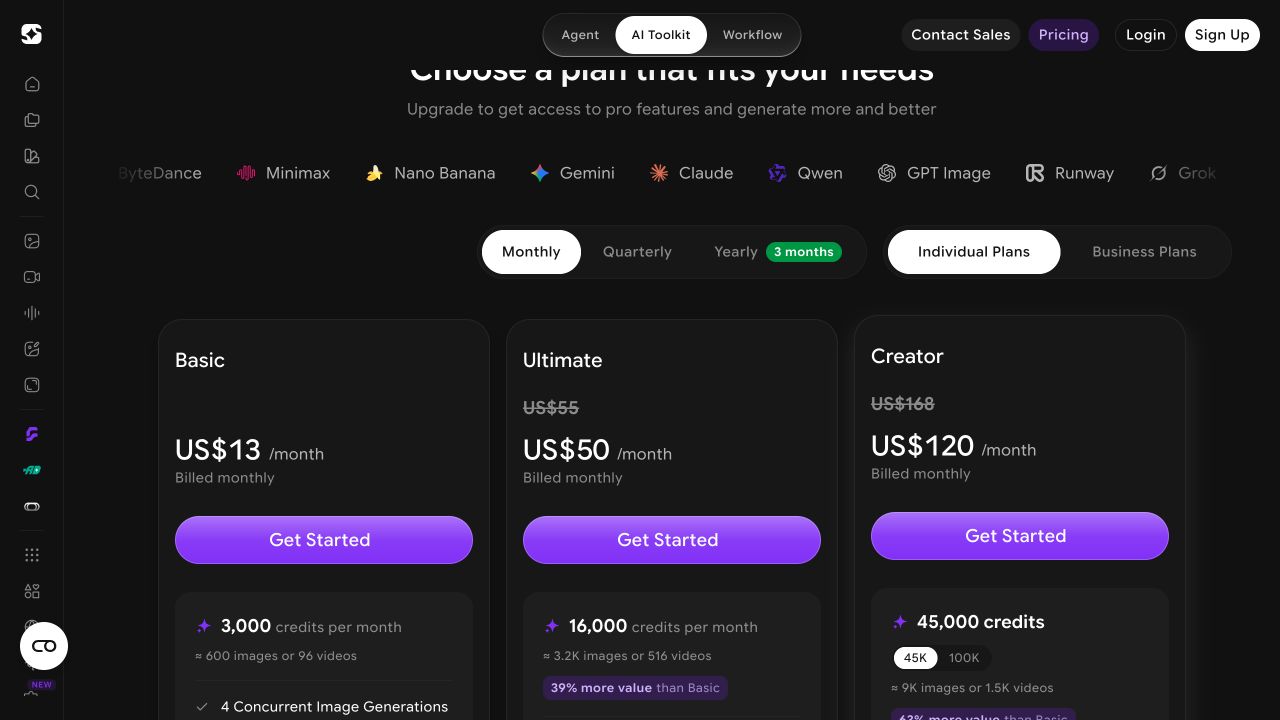
- Basic costs $13 per month for 3,000 monthly credits and four concurrent image generations.
- Ultimate currently shows a promotional price of $50 per month for 16,000 monthly credits.
- Creator's 45,000-credit option currently shows a promotional price of $120 per month.
These are monthly-billing prices. Image counts depend on the model and settings, and the higher tiers' unlimited-generation offers apply to selected models. A large credit allowance doesn't make every available model unlimited.
How to generate your first AI photo
Start with one idea. A retro school portrait is easier to judge than a request that also changes the clothes, adds a pet, and moves everything to another planet.
If you use an AI selfie generator, choose a clear photo with even lighting and an unobstructed face. A reference gives the model useful detail, but it doesn't guarantee that the result will preserve every feature. Check the eyes, teeth, hands, and any important accessories before keeping the picture.
For custom prompts, describe the subject, setting, and look. A photo of my dog wearing a tiny astronaut suit on the moon gives a funny AI image generator a clearer job than make something hilarious.
When using a source photo, also name what should stay. Try this prompt in a generator that accepts photo references:
Use the uploaded portrait as the reference for the person.
Create a 1990s yearbook-style studio photo.

Use a blue backdrop, soft frontal lighting, subtle film grain,
and slightly faded print colors.

Keep the person's facial proportions, expression, hairstyle,
and skin texture recognizable. Show one person.

Do not add a name, caption, logo, or other text.
Generate one version first. If the face works but the backdrop doesn't, change the backdrop instruction before trying a different style. Keep the original photo so you can compare details across attempts.
Which AI photo generator should you choose?
For beginners who want an easy place to start, TooExtra AI is the pick here. Upload a photo, choose from more than 180 pre-made templates, and generate. No prompt required. The variety gives you plenty to try, including playful portraits, photo pranks, and different looks for yourself or your pet.
When you have your own idea, use custom instructions to describe the scene, style, or details you want. You can start with templates and move into writing your own prompts whenever you want more control over the result.
The $0.99 introductory offer makes it inexpensive to try for three days. After that, the selected plan renews at $6.99 per week or $59.99 per year.
OpenArt, getimg.ai, and ImagineArt are worth considering when model choice matters more to you. Photo AI suits ongoing personal photoshoots with a reusable AI character.